Public Booking

Build the booking before you pay for it.

Clients can choose studio hire, equipment rental, podcast sessions or a content day, then configure extras, review the tally, accept terms and move to payment.

Studio pathChoose session length, add-ons and support.
Equipment pathView gear, day rates and quantities.
Before paymentReview totals, terms and deposit requirements.
Client Journey

One public flow, multiple booking types.

Select the booking type first, then the page adapts to show the relevant options and pricing.
Live tallyTerms acceptancePayment gate
Step 1Choose Booking
Step 2Configure Details
Step 3Review & Terms
Step 4Proceed to Payment

Choose what the client is booking.

Each option uses a different pricing model and public inputs.
Studio booking
Studio HireBase session

Studio Booking

Client books the studio first, then chooses what the studio should come with.
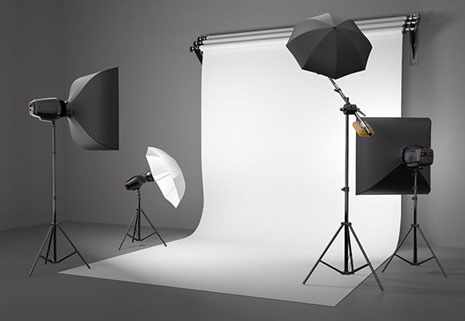
  • Session length and date
  • Lighting, backdrops, audio and crew add-ons
  • Live cost tally before payment
Equipment rental
EquipmentItem-based

Equipment Rental

Client browses rentable gear, sees day rates and builds a rental list.

  • Visible catalogue with rates
  • Quantities and availability
  • Rental tally and liability terms
Podcast session
PodcastHourly setup

Podcast Session

Built like a studio booking, but optimized for audio sessions and guest-ready setup.

  • Hourly booking logic
  • Mic and operator extras
  • Good path for repeat sessions
Brand content day
CommercialCustom package

Brand Content Day

Higher-value structured package for businesses and creators batching multiple deliverables.

  • Full-day production base
  • Optional crew and equipment
  • Commercial quote style summary